
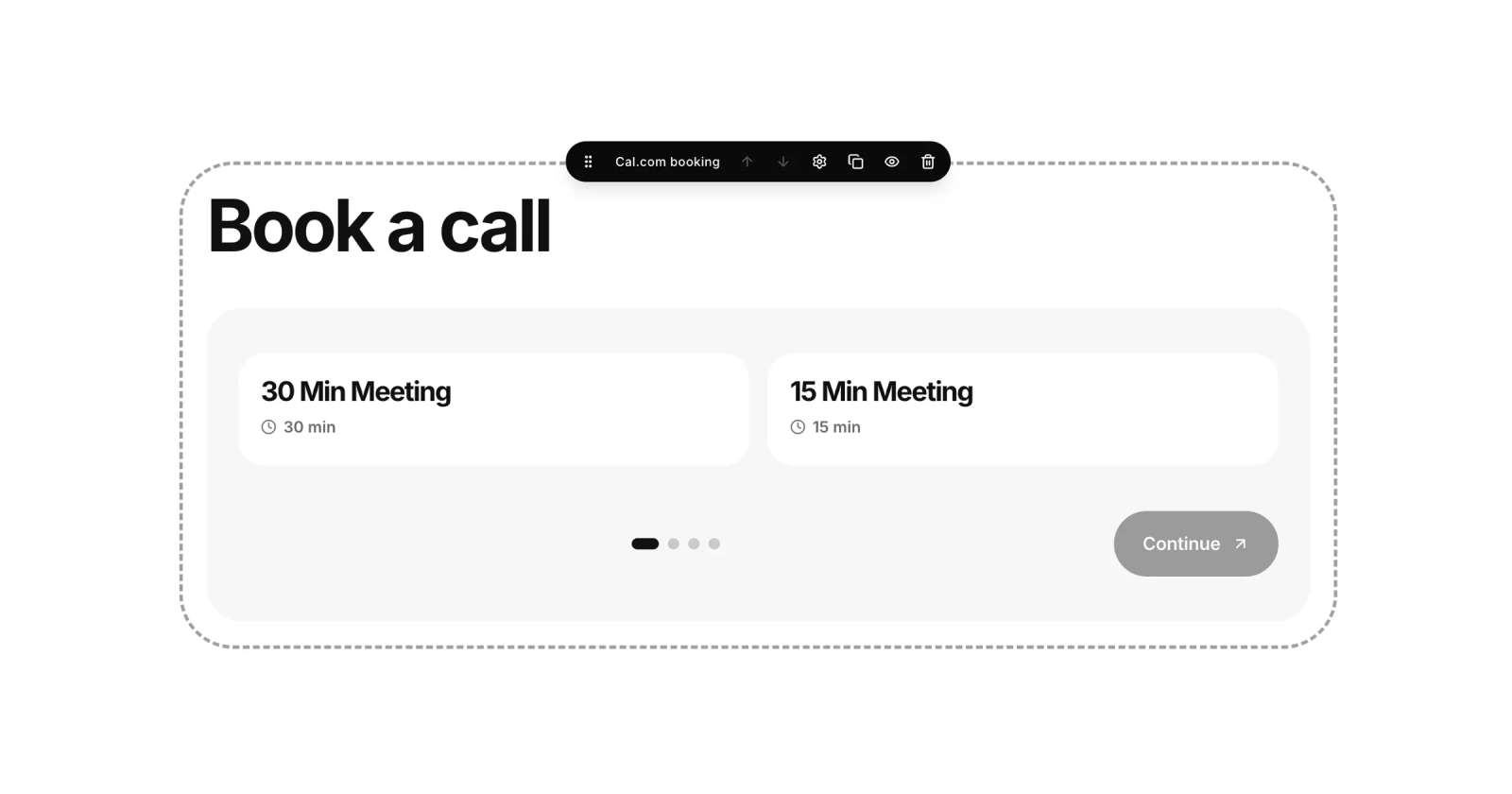
Your page can now take bookings, not just show your links. The new Booking section connects to your Cal.com account, so visitors pick a time from your real availability and book you right from your page — no back-and-forth messages.
Connect your Cal.com account once and everything stays in sync: your event types, your schedule, and your bookings. Guests get a confirmation email with the time in their own timezone, you get notified, and Cal.com still sends the usual calendar invites. Pending bookings are marked too, so you always know what still needs a yes.
Add the Booking section from the editor, connect Cal.com in its settings, and your page becomes a booking page. As always, we will keep improving it — right here on Updates.
