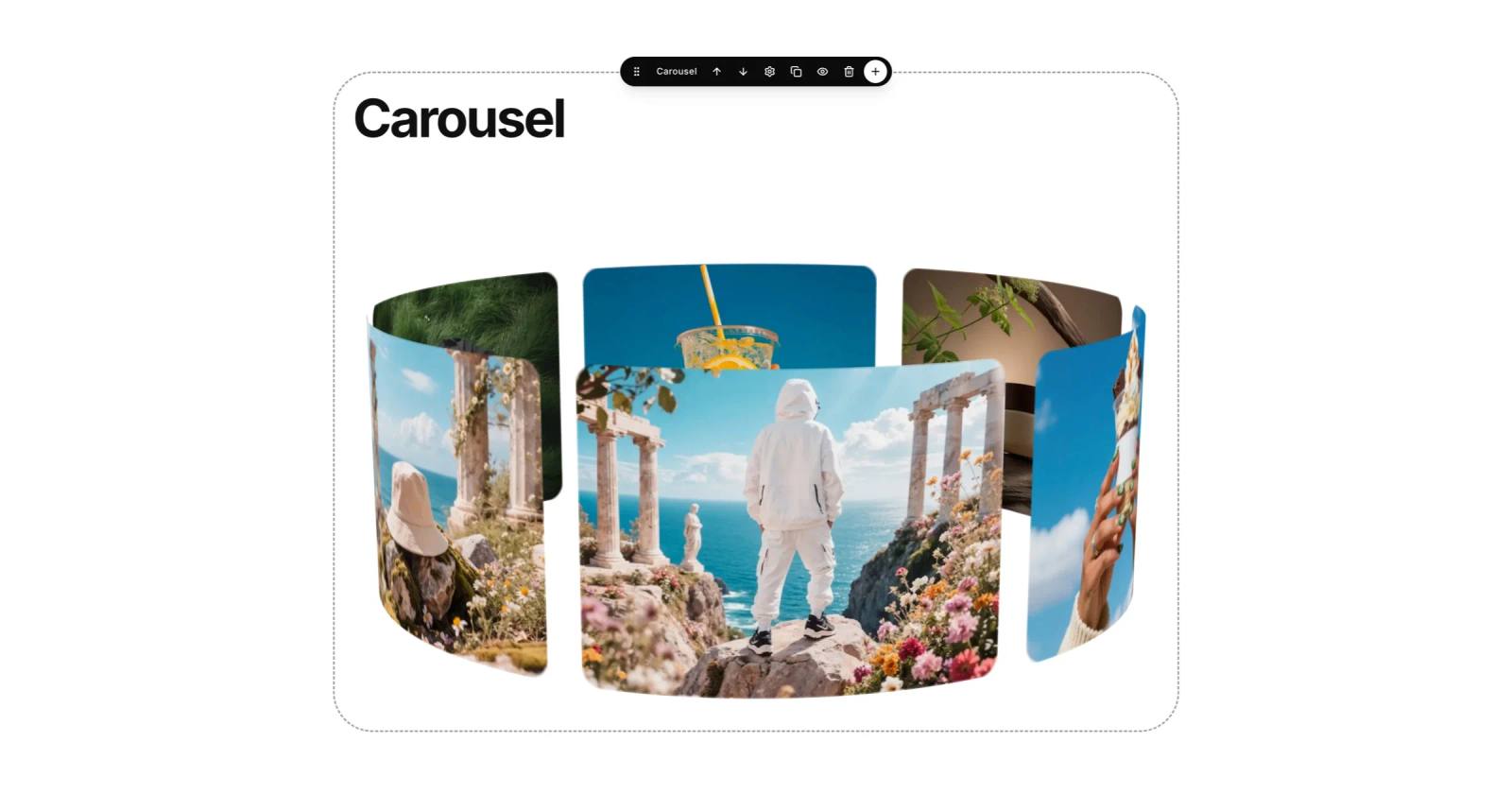
Your page can now move. The new Carousel section turns a set of images into a live display that keeps going — no plugins, no video editing, no code.
Add it from the editor, drop in your images, and pick one of nine looks:
3D Carousel — a ring of images rotating in space.
Curved Carousel — you sit inside a wide, concave arc that keeps turning.
Orbit — images circle around a central one.
Sphere — a spinning globe of photos.
3D Coverflow — angled cards you swipe through.
Ticker and Ticker Wall — endless rows of images, scrolling on and on.
Center Slider and Card Stack — one image at a time, swipe or tap to move on.
The looks that keep moving start the moment your page opens. The ones that step from image to image — Center Slider, 3D Coverflow and Card Stack — have a Delay setting, so you decide how long each one stays.
In the section settings you can also change the image ratio, the speed and the spacing, and turn arrows and dots on or off. Carousel is a Pro section, so it shows on your live page with Pro.
As always, we will keep improving it — right here on Updates.
